

 Kreatix




@linenandcoLinen & Co.
AdsRunning$412$138
L@linenandco96.4K
L@linen.daily61.2K
LLinen & Co.26.7K
Works with your own videos too. Post on 7 platforms and see which video worked where.
7 days free · AI video on paid plans · Cancel anytime
A real AI Studio output, made from this brief with one change request. Brand, accounts and figures are examples.
Published through each platform's official API. We never see your password.
Write a few lines and, if you like, add photos, your logo or a product link. Claude writes and animates the video and drafts its caption.
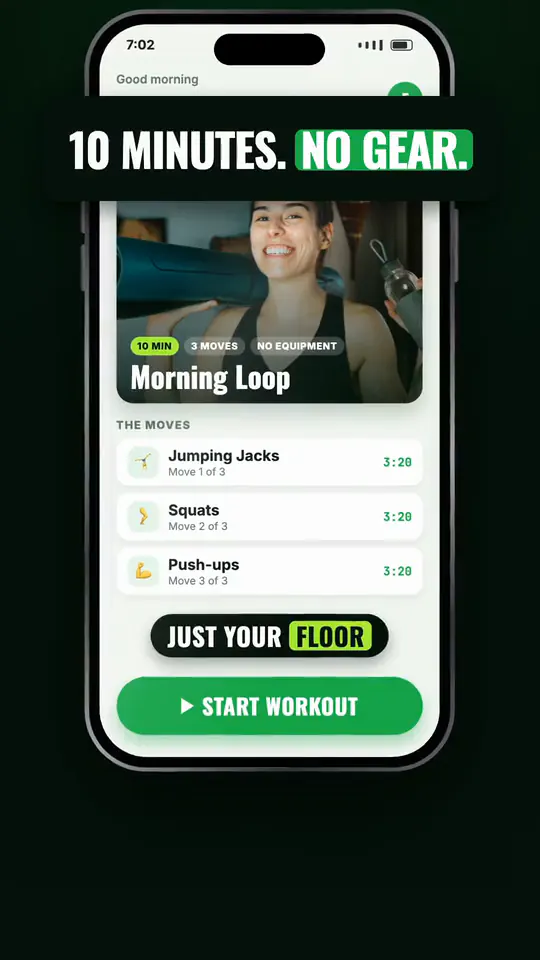
“A 10 minute no-equipment morning workout for Fitloop. Three moves, big type, energetic.”

“Introduce Evermore Skin's cold stone face roller. Two minutes each morning. Calm and elegant.”

“A square video for the Linen & Co. summer collection: a linen shirt, breathable fabric, 3 colours. Clean and airy.”
Each was made in AI Studio from one brief, with at most one change request. The brands are examples.
10 AI videos a month on Starter, 20 on Pro, 40 on Business.
Off during the trial, on as soon as you pay.
Connect Claude once: sign in and press Allow. Then run your posts from the chat.
Kreatix MCP server: https://api.kreatix.cc/mcp. Add it in Claude or another MCP client, sign in with Kreatix and press Allow.
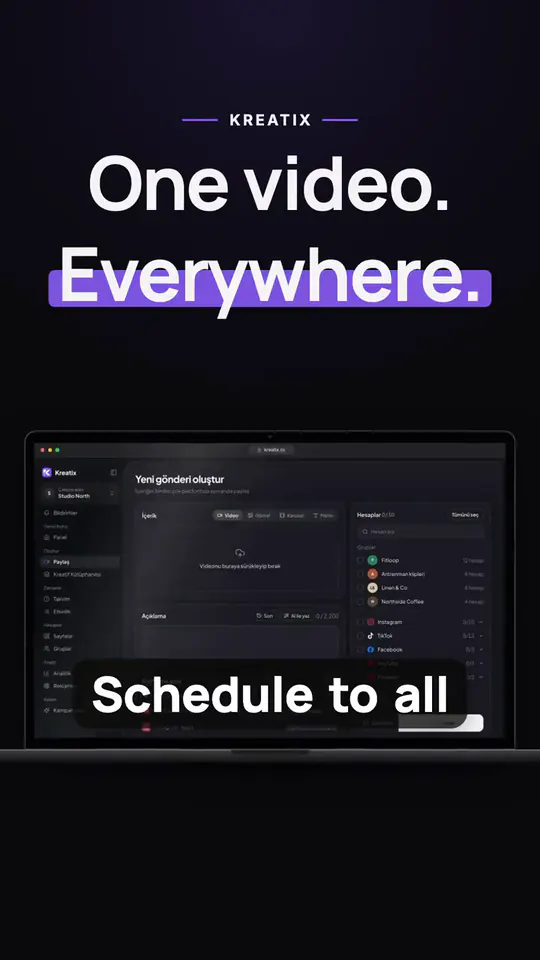
Pick accounts or a whole group. One video goes to all of them, with each platform's settings.
Scheduled, published and failed posts for every account, day by day.
One card per video, with its views on every page it went to.
A page whose newest videos get almost no views is flagged. You decide what goes there.
Connect TikTok ad accounts (Meta in early access): see which video has an ad and what it spent.
Join a brand campaign, attach your pages, and your views and earnings are counted here.
For creators getting started
For serious creators & small brands
For agencies & teams
Cancel anytime · Secure checkout by Stripe
AI video is off during the trial and opens as soon as you pay.
A social media scheduler for people who run many accounts. Upload a video once, pick the accounts and the time, and Kreatix publishes it to Instagram, TikTok, YouTube, Facebook, X, LinkedIn and Pinterest. Then it shows the results of every post and every video.
In AI Studio you describe the video in a few lines and can add photos, your logo or a product link. Claude writes and animates it. A few minutes later you get an MP4 with a caption and hashtags. Ask for changes in plain words, then send it to Publish in one click and schedule it to all your accounts.
On the paid plans: 10 new videos a month on Starter, 20 on Pro and 40 on Business. Changes also count toward the monthly allowance. It is off during the free trial and opens as soon as you pay.
Yes. Pick the accounts one by one or choose a saved group, set the time, and the video goes to all of them. Every post goes through the platform's official API, so you never share a password.
Instagram, TikTok, YouTube, Facebook, X, LinkedIn and Pinterest: seven platforms. Post to all of them from one place and schedule your videos on one calendar.
Kreatix reads the views of each page's newest videos. When several new videos in a row get almost no views, the page gets a warning on your dashboard, so you notice a page nobody sees early.
Yes. Connect your TikTok ad accounts and every video shows whether it has an ad, whether the ad is live and how much it spent. Meta ad accounts are in early access.
Yes. Give each client its own workspace, invite your team as admins or members, and keep every brand's accounts, posts and results apart.
Starter: 5 social accounts and 150 posts a month for $13 a month, or $10 a month billed yearly. Pro: 15 social accounts and unlimited posts for $25 a month, or $19 a month billed yearly. Business: 100 social accounts and unlimited posts for $49 a month, or $39 a month billed yearly. Every plan includes all 7 platforms, AI captions and analytics. The 7-day free trial starts with a card, and nothing is charged before it ends. There is no free plan, but creators who join brand campaigns need no card.
No contract. Pay monthly, or yearly for a lower price, through Stripe. Cancel in Settings anytime: you keep access until the end of the period you paid for, and your accounts and data stay.
All connections use OAuth (we never store passwords). Data is encrypted in transit (TLS). We never sell your data.
Still have questions? Write to support@kreatix.cc
Schedule it to every account at once. Cancel anytime.
Start scheduling